
What Is a Driver Updater and Why Is It Important for Your PC in 2026?
Have you ever wondered why your printer suddenly stops working, your webcam goes unrecognized during an important video call, or your keyboard and mouse start acting strangely? In most cases, the culprit is outdated, missing, or corrupted drivers.
That’s exactly where a driver updater comes in. This powerful software scans your Windows PC, detects problematic drivers, and updates them automatically — saving you time, frustration, and potential system issues.
In this article, we’ll explain what a driver updater is, why it’s so important for every computer user in 2026, and how Toolstone Driver Updater stands out as a reliable solution.
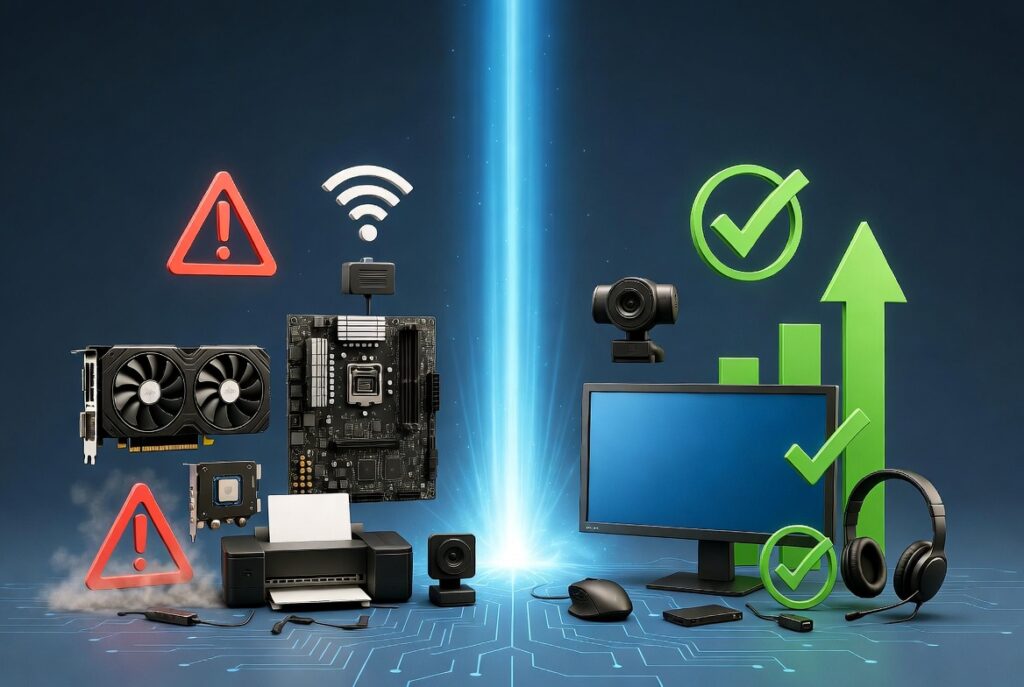
What Is a Driver Updater?
A driver updater is a specialized tool that automatically scans your computer for outdated, damaged, or missing device drivers and replaces them with the latest compatible versions from a large manufacturer database.Drivers act as translators between Windows and your hardware. Without up-to-date drivers, even the best hardware can’t perform properly.Common devices that rely on drivers include:
- Printers and scanners
- Keyboards, mice, and other input devices
- Webcams and microphones
- External hard drives and USB devices
- Graphics cards, monitors, and sound cards/speakers
Why Is a Driver Updater So Important?
Here are the main reasons why keeping your drivers updated with a reliable driver updater is essential in 2026:
1. Prevents Hardware Problems
Outdated drivers often cause devices to stop working or not be recognized at all — from printers failing to print to webcams disappearing in video calls.
2. Improves System Stability
Old or conflicting drivers are a frequent cause of Blue Screens, random crashes, freezes, and unexpected restarts.
3. Enhances Security
New driver versions regularly patch security vulnerabilities. Using an outdated driver can leave your PC exposed to attacks.
4. Boosts Performance and Compatibility
Updated drivers unlock the full potential of your hardware — smoother gameplay, faster data transfers, better graphics quality, and overall snappier performance.
5. Saves Time and Reduces Risk
Manually searching for and installing drivers is tedious and risky (wrong version = new problems). A good driver updater automates everything, creates backups, and lets you restore previous versions with one click if needed.
What Happens If You Don’t Use a Driver Updater?
Without regular driver maintenance, you risk:
- Devices that suddenly stop working
- Slower overall PC performance
- System instability and crashes
- Security vulnerabilities
- Higher long-term repair or replacement costs
The Smart Solution: Toolstone Driver Updater
Toolstone Driver Updater is a fast, safe, and user-friendly driver updater designed to solve these exact problems.With just a few clicks, it performs a deep system scan, identifies all outdated or faulty drivers, creates automatic backups, and installs the latest versions — including support for printers, webcams, audio devices, graphics cards, and much more.Key Benefits of Toolstone Driver Updater:
- Quick and thorough driver scan
- Automatic backup before every update
- One-click updates for all devices
- Improved PC performance and stability
- Supports virtually all hardware and peripherals
Whether you’re a casual user, gamer, or professional, Toolstone Driver Updater helps keep your computer running smoothly and securely — without the hassle of manual updates.
Ready to keep your drivers up to date?
Download Toolstone Driver Updater now and give your PC the maintenance it deserves.Have questions about drivers or need help with a specific device? Feel free to reach out to our support team at support@toolstonesoftware.com.