
What Is a Driver Updater and Why Does It Matter for Your Computer?
Have you ever wondered why your computer sometimes has trouble with peripherals like printers, keyboards, mice, webcams, or external hard drives? Outdated or faulty device drivers are often the cause. A driver updater is a software solution that helps keep all your drivers up to date. Doing so significantly improves system stability, hardware compatibility, and your PC’s overall performance.
In this article, we explain what a driver updater is, why it matters, and how it efficiently supports all kinds of peripheral devices.
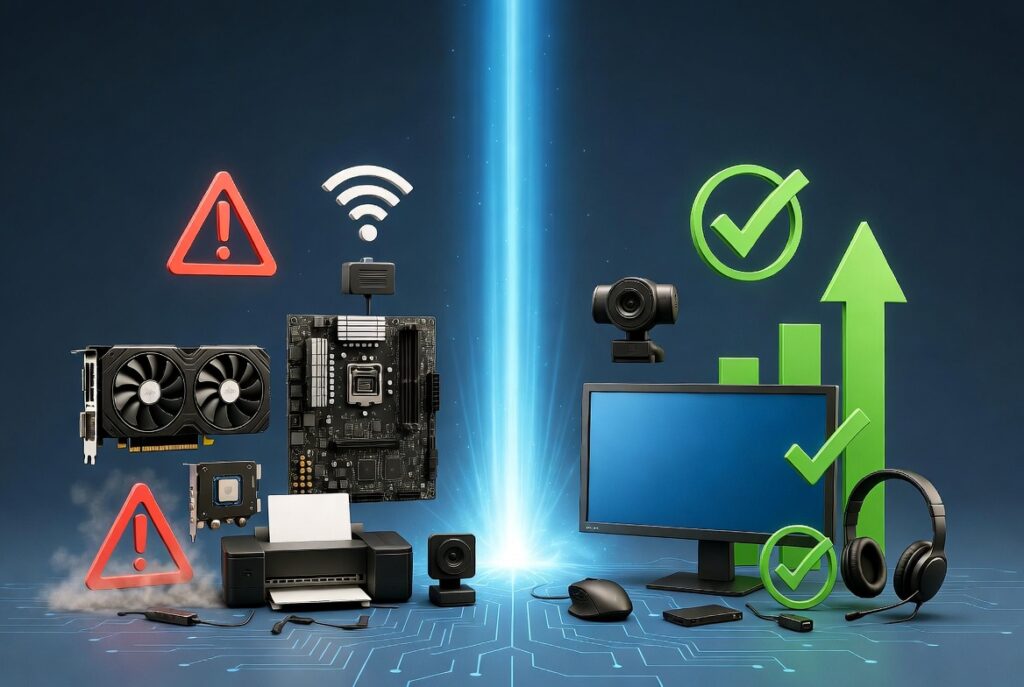
What Is a Driver Updater?
A driver updater is specialized software that scans your Windows PC to detect outdated, corrupted, or missing drivers and update them automatically. These drivers are essential for your operating system to communicate properly with your hardware.
Example peripherals that need drivers:
- Printers and scanners: printer drivers enable printing, scanning, and faxing.
- Keyboards and mice: drivers ensure smooth input.
- Webcams and microphones: for video calls and voice recordings.
- External hard drives and USB devices: for data transfers and backups.
- Graphics cards and monitors: for optimal display quality.
- Sound cards and speakers: for high-quality audio output.
Why Is a Driver Updater So Important?
1. Avoiding hardware failures When drivers are outdated or corrupted, devices can stop working properly. For example, a printer might stop functioning, or a webcam might not be detected at all.
2. Improving system stability Outdated drivers are a frequent cause of memory crashes, blue screens, or unexpected restarts.
3. Increased security New drivers close security gaps present in older versions, protecting against attacks and unauthorized access.
4. Optimal performance and compatibility Up-to-date drivers let hardware components reach their full potential — resulting in smoother everyday use and better gaming performance.
5. Saving time and effort Manually updating drivers is time-consuming and risky. A driver updater automates the process, including backup and recovery if something goes wrong.
What Problems Can Occur Without a Driver Updater?
- Devices don’t work or aren’t detected at all.
- Slow performance in applications and games.
- System instability from conflicts between old drivers.
- Security risks from outdated drivers containing known vulnerabilities.
- Higher maintenance and repair costs, since problems go unnoticed for longer.
Example: Without up-to-date drivers, a printer may not print correctly, or a webcam may fail during an important video call. The result is frustration and wasted time troubleshooting.
The Solution: Toolstone Driver Updater
What makes Toolstone Driver Updater one of the best driver updater programs out there?
Toolstone Driver Updater is a powerful tool that efficiently manages all your device drivers. With just a few clicks, the software detects outdated drivers, creates automatic backups, and installs the latest drivers to keep your hardware running at its best.
Benefits of Toolstone Driver Updater:
- Fast system scan for driver detection
- Automatic backup before updates
- One-click updates for all devices
- Support for all peripherals and hardware components
- Improved PC performance and stability
Why Should You Use Toolstone Driver Updater?
Regular driver updates with Toolstone Driver Updater ensure that all your peripherals work reliably. Never miss an important update again, and protect your PC from performance loss and security gaps.
Download Toolstone Driver Updater now and bring your devices up to date!